01
Boardroom AV & video conferencing
- Room kits
- Cameras
- Microphones & speakers
- Displays
- Wireless presentation
- Room booking panels
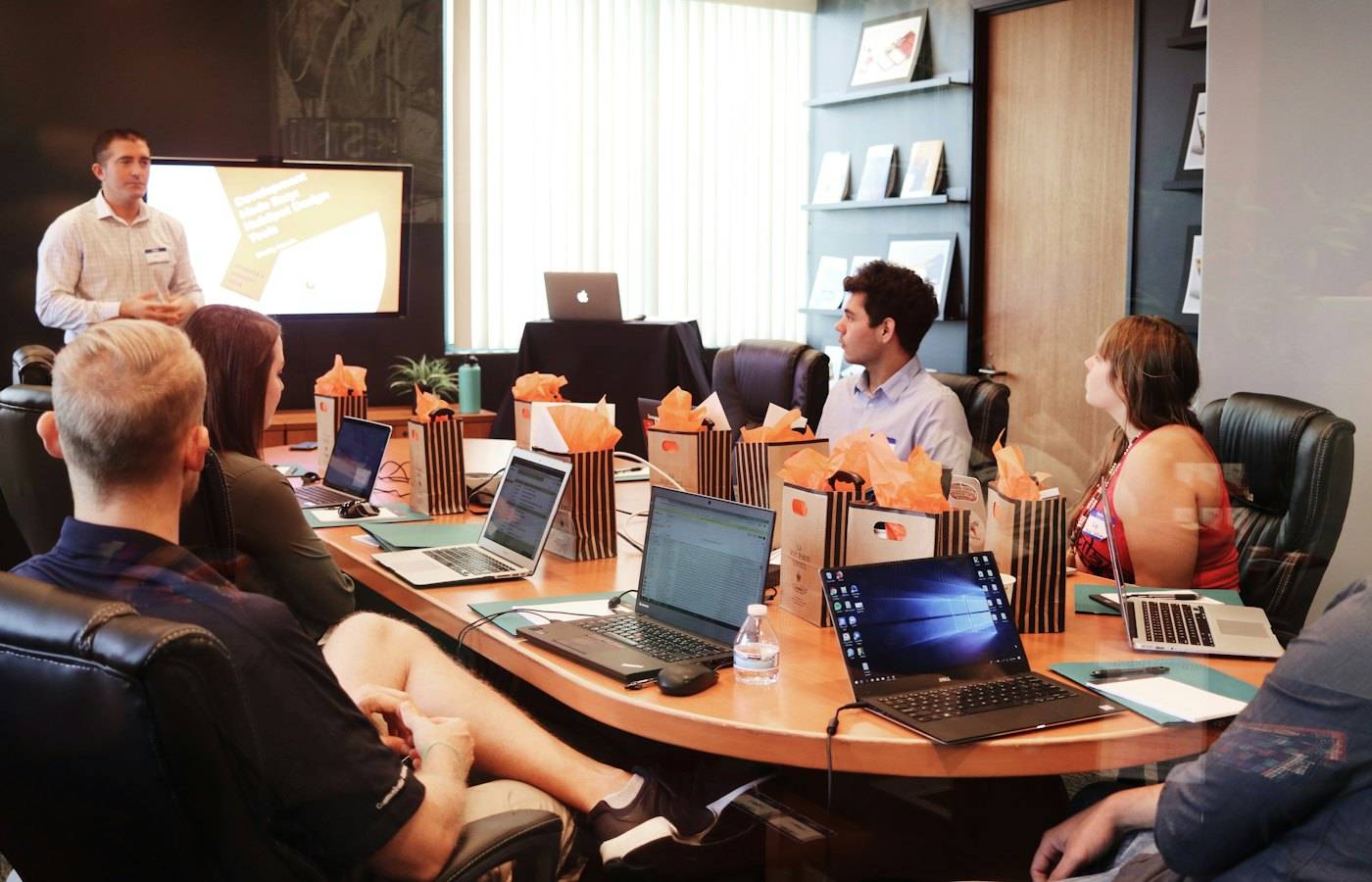
Boardroom AV, collaboration technology, control room displays and classroom systems — specified, installed and supported by the team already servicing your floor.
In short
We specify, install and support boardroom AV, video conferencing, smart boards, control room displays and large-scale venue AV. Every room starts with a site survey and ends with a user handover. After that, support comes with agreed response times.
Updated
Pillar 03
Nobody complains about the AV when it works. They complain about the ten minutes at the start of every meeting spent finding a cable, and about the person dialling in who cannot be heard. That is a hardware specification problem, and it is solvable.
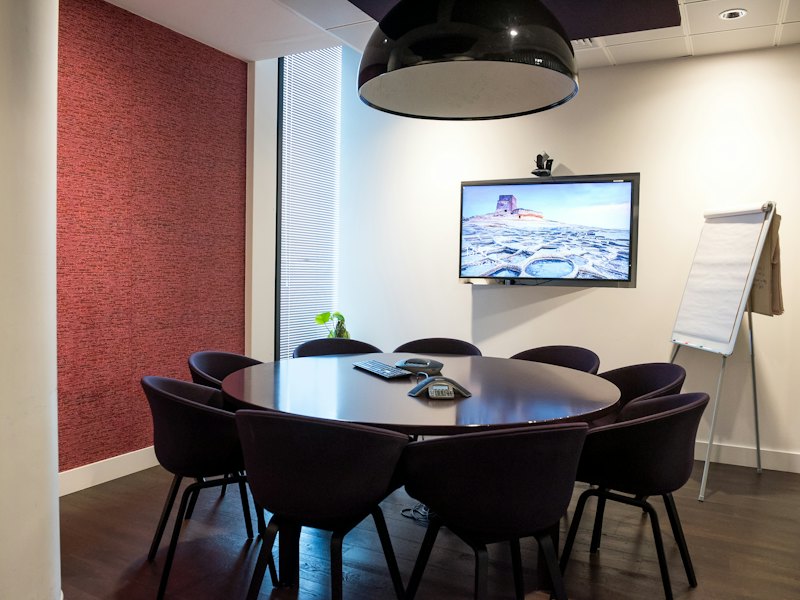
Room-scale cameras, ceiling and table microphone arrays, displays and the wireless presentation layer that removes the cable hunt entirely. Specified per room size, because a huddle room and a fourteen-seat boardroom are not the same problem.
Specified for the platform you actually run (Teams, Zoom or Google Meet), so the room joins a call instead of hosting a troubleshooting session.

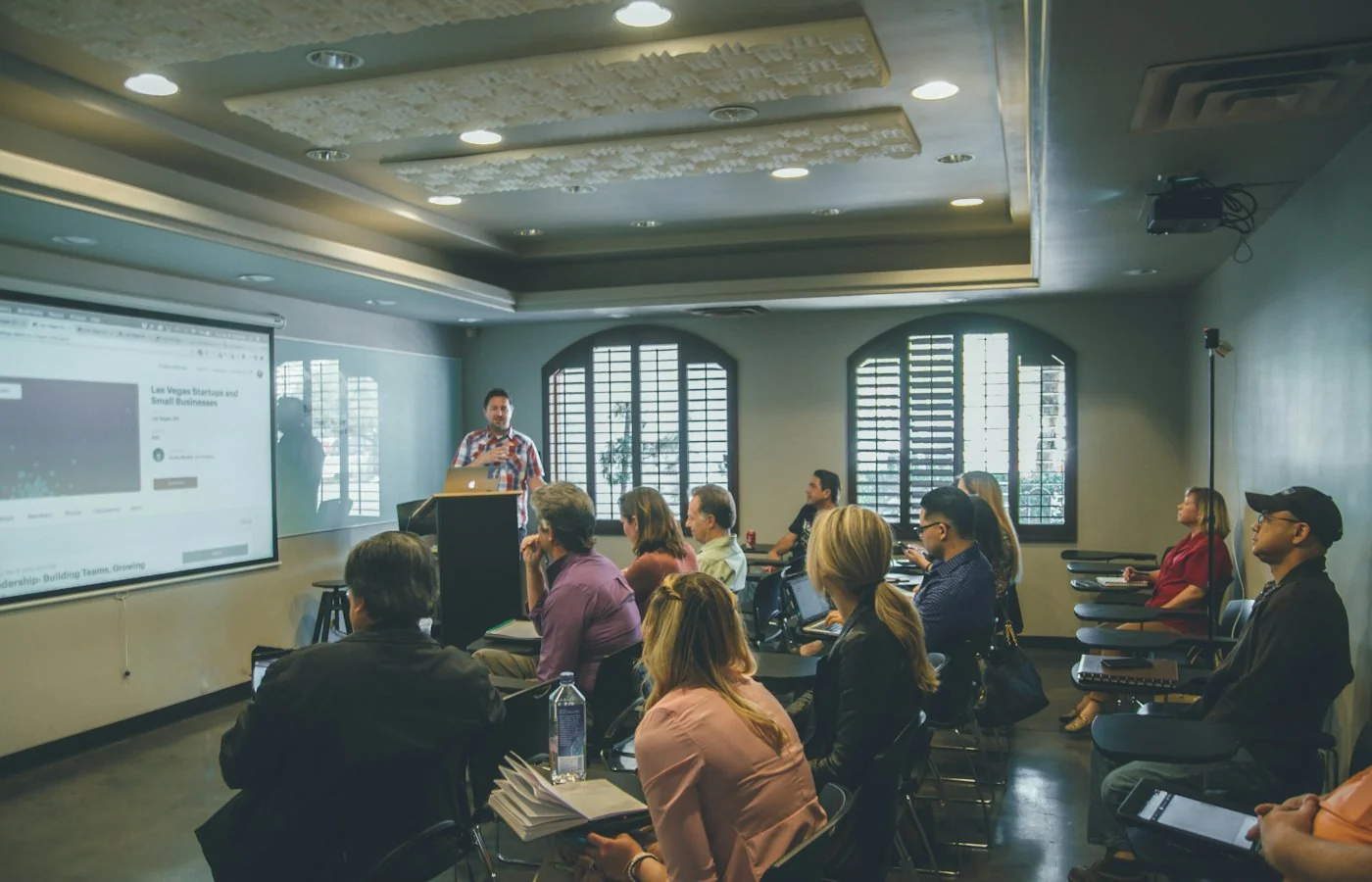
Interactive smart boards and digital whiteboards for planning rooms, project spaces and classrooms — with the wireless collaboration layer so a session does not depend on who remembered the right adapter.
Ergonomic setups, monitor arms and docking to go with them, because the desk is part of the workplace technology stack whether or not it is budgeted that way.

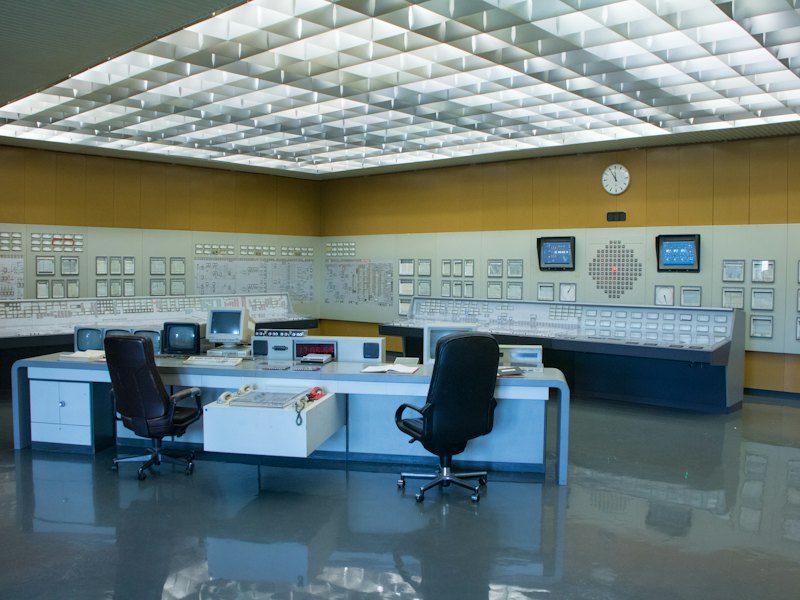
Video walls and monitoring displays built for continuous operation, with the communication systems and integrated AV a 24/7 floor depends on.
At the other end of the scale: large-format and immersive AV for stadiums, experience centres and church auditoriums — including the control systems that let one operator run the room.
Categories
Pick a category to browse the kit, or start a quote. Tell us how many rooms and which platform you run, and we specify the lot.
Brands we specify
We install nine specialist brands and pick them per room. You tell us the room, the headcount and the platform you run, and you get one quote for the camera, the screen, the speakers and the control panel together.
Included
Room dimensions, sightlines, acoustics and power — measured before anything is quoted.
Mounting, cabling, commissioning and integration with your existing network and platform.
A working session with the people who actually use the room, not a manual left on the table.
Agreed response times once the room is live.
Usage reporting per room, so the next fit-out decision is evidence-based.
Refresh schedules mapped to your budget cycle rather than to the day something fails.
Downloads
Everything on this page in one PDF, with the company profile alongside. Share them with whoever signs off procurement.
Questions
The one you already run: Microsoft Teams, Zoom or Google Meet. We specify the cameras, microphone arrays, displays and wireless presentation per room size, because a huddle room and a fourteen-seat boardroom need different kit.
A site survey. We measure room dimensions, sightlines, acoustics and power before anything is quoted. Before the survey, list how many rooms you have, their sizes and the platform each one runs, and we specify the lot.
Huddle rooms and fourteen-seat boardrooms, classrooms and planning rooms, 24/7 control rooms, and large venues such as stadiums, experience centres and church auditoriums.
Yes. We supply video walls and monitoring displays built for 24/7 operation, communication systems, and large-format and immersive AV for stadiums, experience centres and church auditoriums, with control systems one operator can run.
With usage reporting per room and refresh schedules mapped to your budget cycle. You replace kit on a plan, before the day it fails.
Tell us how many rooms, what sizes and which platform you run. We will survey, specify and quote the lot.